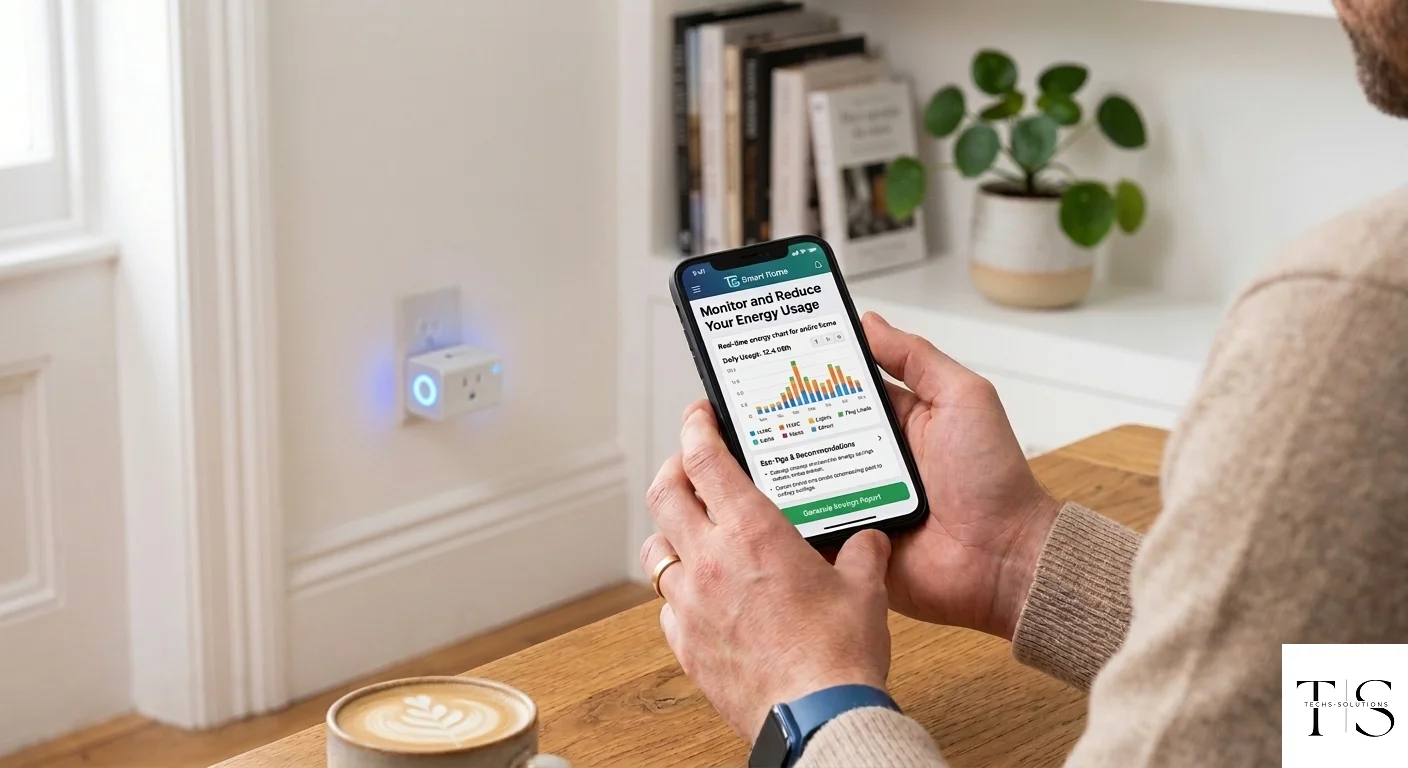
Monitor and Reduce Your Energy Usage with TS Smart Home
Electricity bills are one of the largest recurring household expenses, yet most people have little visibility into exactly which devices consume the most power. TS Smart Home changes that. By connecting your appliances through smart plugs, you gain real-time insight into your energy consumption — and the tools to reduce it.
The Problem with "Always On" Devices
Many household appliances consume significant electricity even when you think they are off. This is known as standby power or phantom load. Common culprits include:
- Televisions left on standby: 1–5 watts continuously
- Desktop computers not fully shut down: 3–10 watts
- Phone chargers left plugged in with no device: 0.5–2 watts
- Microwave ovens with clock displays: 2–7 watts
- Gaming consoles in rest mode: 8–15 watts
While these numbers seem small individually, across a full household running 24 hours a day, 365 days a year, they add up to hundreds of kilowatt-hours annually.
How TS Smart Home Helps You Monitor Energy
TS Smart Home-compatible smart plugs with energy monitoring capability track the real-time power draw of any device plugged into them. This data is transmitted to the cloud and displayed in the TS Smart Home app.
From the app you can see:
- Current power draw in watts — right now, in real time
- Daily energy consumption in kilowatt-hours (kWh)
- Historical usage graphs — track trends over days and weeks
- Estimated monthly cost — based on your local electricity tariff
Note: Energy monitoring availability depends on the specific smart plug hardware. Check your device specifications to confirm this feature is supported.
Identifying Your Energy Hogs
The first step to reducing your electricity bill is knowing which devices are consuming the most. Here is how to use TS Smart Home for an energy audit:
Step 1: Plug Every Major Appliance Through a Smart Plug
Connect your TV, computer, washing machine, fridge, air conditioner, and other high-draw appliances through TS Smart Home smart plugs with energy monitoring.
Step 2: Monitor for One Week
Let the system collect data for seven days. Go about your normal routine without changing your habits — you need an accurate baseline.
Step 3: Review the Data
Open the TS Smart Home app and check the energy consumption data for each device. Sort by highest consumption. You will likely be surprised by the results.
Step 4: Take Action
For each high-consuming device, ask:
- Can I run this at off-peak electricity hours?
- Can I reduce the time it runs each day?
- Is this device worth replacing with a more efficient model?
- Is this device drawing power when it should not be?
Practical Energy-Saving Strategies
Strategy 1: Eliminate Standby Power
Use the TS Smart Home app to turn off TVs, computers, and entertainment systems completely at night rather than leaving them on standby. A simple "turn off at 11 PM" schedule eliminates standby consumption overnight.
Strategy 2: Time Your High-Draw Appliances
Many electricity tariffs charge less per kWh during off-peak hours (typically late night and early morning). Use TS Smart Home schedules to run your dishwasher, washing machine, or water heater during these cheaper periods.
Strategy 3: Catch Devices Left On Accidentally
Push notifications can alert you when a device has been running for longer than usual. If your kitchen kettle has been on for 3 hours, something went wrong and you want to know immediately.
Strategy 4: Track the Impact of Behavioral Changes
If you decide to reduce air conditioning usage by one hour per day, the energy monitoring data shows you exactly how much you save. This makes the savings tangible and motivating.
Strategy 5: Seasonal Adjustments
Heating and cooling are typically the largest energy expenses. Use TS Smart Home to monitor these systems and create schedules that minimize run time while maintaining comfort.
Calculating Your Savings
If your smart plug reports that your TV draws 120 watts on standby and runs 8 hours per day even when no one is watching:
- Daily consumption: 120W × 8h = 960 Wh = 0.96 kWh per day
- Monthly: 0.96 × 30 = 28.8 kWh per month
- At $0.15 per kWh: $4.32 per month just on standby power for one TV
With TS Smart Home, you eliminate this waste with a simple schedule or a single tap.
Environmental Impact
Reducing energy consumption is not only about cost — it is also about environmental responsibility. Every kilowatt-hour saved reduces your carbon footprint. For households that track sustainability goals, TS Smart Home provides the data you need to measure and report your improvements.
Getting Started with Energy Monitoring Today
- Identify your top 5 energy-consuming devices
- Connect each through a TS Smart Home energy-monitoring smart plug
- Monitor for one week to establish baseline usage
- Set up schedules to eliminate unnecessary runtime
- Review your next electricity bill and celebrate the savings
Smart home technology is most valuable when it delivers measurable, real-world results. Energy monitoring is one of the clearest examples of TS Smart Home paying for itself.
